
The Persona Decoder — Figma's System-of-Record Gamble
Read one at a time, Figma's Config India announcements look like feature releases: code running on the canvas, structured Markdown specs, backend scaffolding from design projects, twenty-plus MCP integrations, and an agent that's now generally available. Read together, they describe a company moving from design tool to product-development system of record, with open questions about pricing, competitive exposure, and whether the design file can actually serve as the coordination layer Figma wants it to become. The distance between what Figma says it's building and what its product choices show tells you where design leadership gains or loses authority next.
The Persona Decoder — Figma's System-of-Record Gamble
Read one at a time, Figma's Config India announcements look like feature releases: code running on the canvas, structured Markdown specs, backend scaffolding from design projects, twenty-plus MCP integrations, and an agent that's now generally available. Read together, they describe a company moving from design tool to product-development system of record, with open questions about pricing, competitive exposure, and whether the design file can actually serve as the coordination layer Figma wants it to become. The distance between what Figma says it's building and what its product choices show tells you where design leadership gains or loses authority next.
Product Verdict
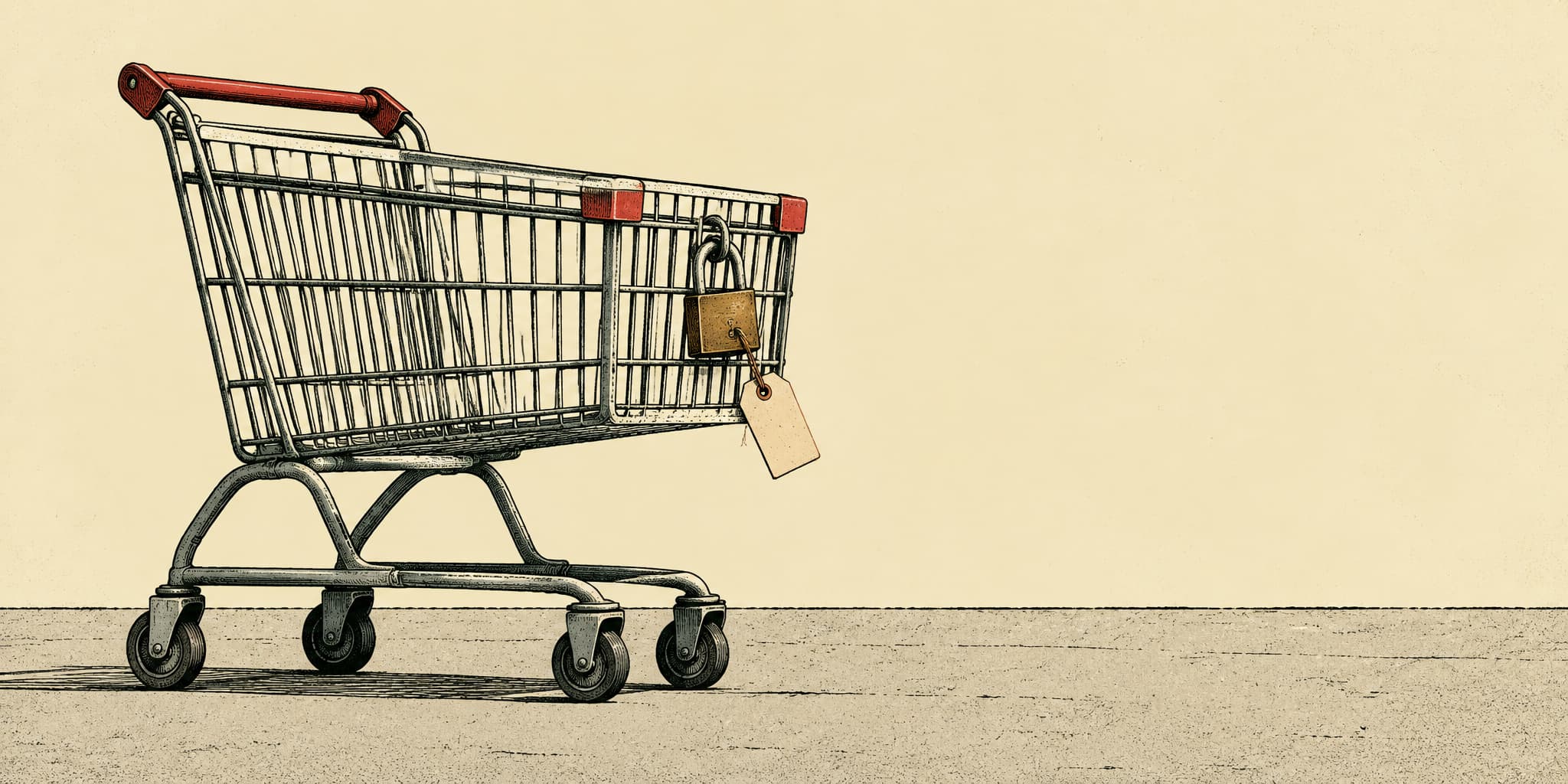
Bottom line (fairly confident, but it's early): Tab is a new AI assistant that can buy things for you. Its written rules for getting your approval before it pays are the clearest and most detailed of any assistant I've read. Those same rules also protect Tab legally when a purchase goes wrong. Both things are true. The bigger gap is somewhere else: the careful approval step covers payments only, not the other consequential things Tab can do on your behalf. Status: still developing.
What Tab is
Tab went public on October 7, valued at $300 million. It didn't say how much it raised. You talk to Tab by text, over iMessage or WhatsApp, and it acts for you using its own phone number, its own computer, and its own wallet. Access is invite-only, and fewer people still can use the wallet. No outside group has tested it. So everything below comes from three documents: Tab's terms, its privacy policy, and its security page. That tells you what Tab promises. It doesn't tell you what Tab does.
When you say "yes," you approve one exact purchase
Most AI assistants ask "Are you sure?" and then treat your yes as permission for whatever they do next.
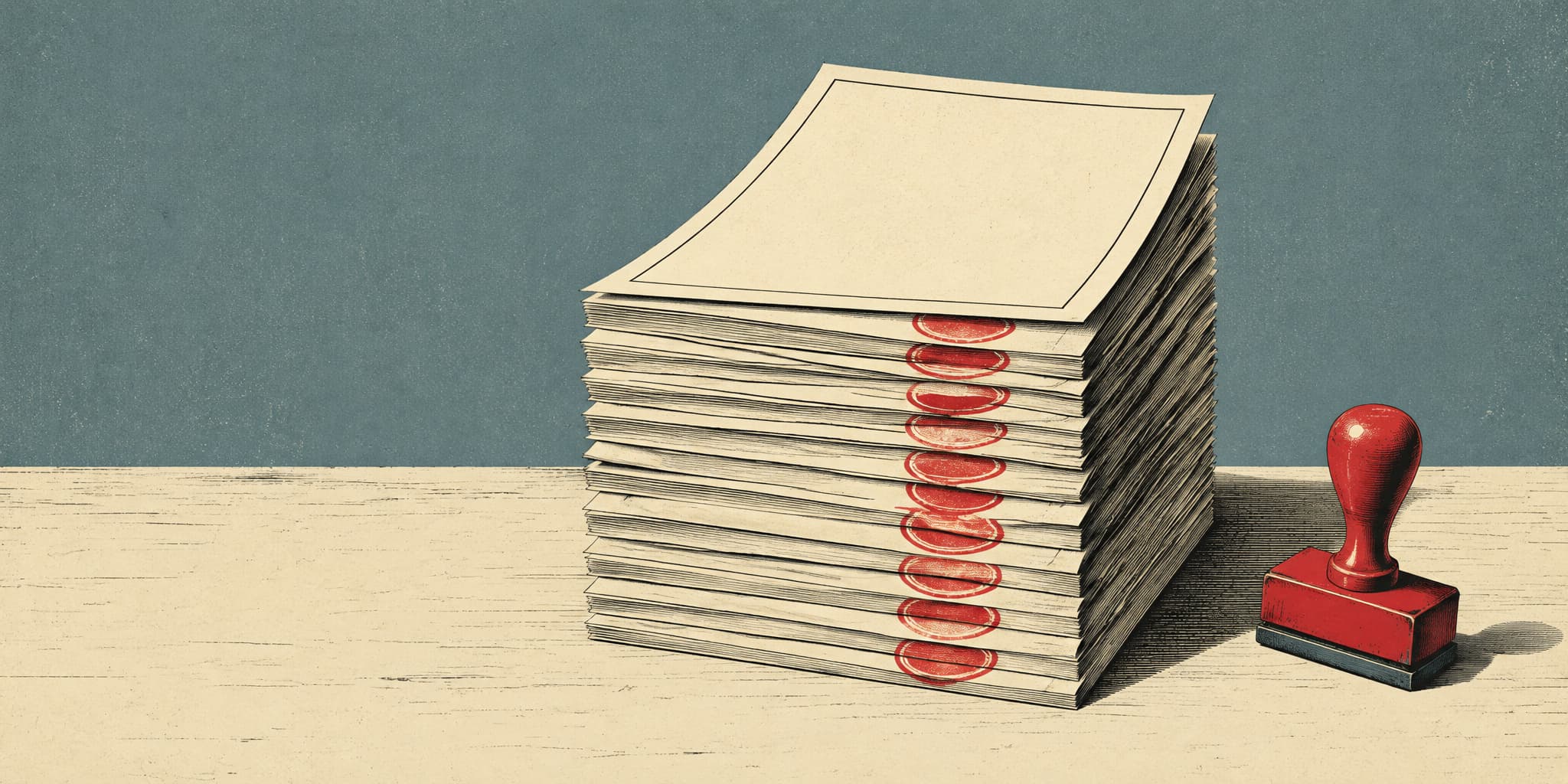
Tab's terms are narrower. Before paying, Tab locks in seven details:
- the store
- the items in the cart
- who receives the order
- the currency
- the total price
- where the money goes
- a short time limit
Your yes covers that purchase and nothing else. If any detail changes, or Tab can't tell what happened, it says it will stop and ask you again. It won't retry on its own.
The security page fills in how this works:
- Tab sends the payment once.
- If the page freezes, the details change, or the result is unclear, there's no automatic retry.
- A purchase counts as done only when the store shows a matching confirmation on a separate page of the same website.
Those rules target a specific and expensive mistake. Something fails partway through checkout, the assistant comes up with a new plan, and it pays again, often after the cart has changed. Tab's rules block that sequence.
A normal "Are you sure?" box records that you agreed, and that's all it does. Tab's locked details give the system something concrete to check its own actions against before your money moves.
The same record also protects Tab
Those locked details double as proof of what you approved. Tab's terms make you responsible for "any charges you approved," including returns, disputes, and whether the store delivers. The most Tab will ever pay you is $100 or 12 months of your fees, whichever is higher. If a purchase goes wrong, the record shows exactly what you signed off on.
That is Tab protecting itself. It still looks better next to a competitor. Elon Musk's company xAI updated its Grok Bot terms this past Monday, Columbus Day. Those terms make you "solely responsible for all agentic actions… whether or not such actions were intended, anticipated, or authorized." Put plainly, you answer for anything the AI does, including things you never approved. Grok also describes its own approval steps as "aids only."
Both companies put the risk on you. Tab at least draws a clear line around what you actually approved.
Your passwords and card are kept apart, with limits
The part of Tab that plans tasks never sees your password or card number. It gets a code that points to them, which it can pass along but can't read. A separate step unlocks the real information, and only after checking that both you and the website match. If the system holding your card is down, Tab turns payments off entirely instead of falling back to something less safe. The practical result: the AI can't leak a card number it never had.
That separation stops at Tab's own systems. The privacy policy lists outside companies that handle your information, including the ones that run its web browsing, store passwords and cards, and process payments.
The promise is bigger than what's built
Tab co-founder Ammar Amdani told TechCrunch: "Nothing that can be undone happens without your 'yes.'"
The documents don't support that yet. The seven-detail lock exists only for payments. For other actions, such as sending a message, filling out a form, making a phone call, or linking one of your accounts, the terms say only that Tab "may pause and ask." A careful approval step helps only if Tab first notices it's about to do something important for you, and nothing in its documents promises it always will. That admission is the most useful sentence in them, because it tells you exactly what to test once you have access.
What to watch: Whether Tab extends locked-detail approval beyond payments. If it does, that protection covers everything Tab does for you. If it doesn't, you have a very good guard on purchases and a "may pause and ask" on everything else. Either way, Tab has answered in writing a question every other AI assistant now has to answer too: what exactly is the user agreeing to?
Interaction Patterns
Four AI assistants launched between October 6 and October 15: Hark, Underdog, Tab, and Eney. Three arrived in the week before the Columbus Day weekend. Eney followed yesterday.
Last issue sorted AI products into six types. All four of these fall into one of them: an always-on helper that acts for you. It remembers you over time. It gets into your accounts, such as email and payments. It works in the background, and it checks with you before certain steps.
So on the surface they make roughly the same promise. They split on one question: where do your passwords, your payment details, the AI's "thinking," and its memory of you actually live?
That gives you a second way to compare them. The type tells you how you'll use the assistant. Where things are kept tells you who really holds the power to act in your name.
How each one keeps you safe:
- Hark runs your tasks on computers it operates, logged into your accounts. Your protection is a promise. Hark says it won't train AI on your data, and its contracts bar its AI suppliers from doing so too.
- Underdog runs a fairly large AI model on your own computer. Your protection is location. Your data stays on your machine.
- Tab does its planning on its own computers. Its co-founder says your payment details sit in a separate locked box that the planning AI can't open. Your protection is a wall between the parts.
- Eney keeps its memory of you on your Mac and sends harder AI work to its own computers. Your protection is trust in Apple's system and in MacPaw, which has made Mac apps for 18 years.
A concrete case: two people want help sorting their email. Hark and Underdog would feel the same to use, but each person's private data would be exposed in very different ways.
My read, moderately confident, based on how the companies present themselves and not on sales or usage numbers: people will choose among these mostly by where the data is kept, much less by how the assistant feels. Storage is the part a careful person can actually understand and judge.
Three warnings before you repeat any of this.
1. Don't call all four "private AI." A promise, an on-device AI, a locked box, and trust in Apple each fail in a different way, and you check each one differently.
2. "Runs on your computer" doesn't mean the whole task stays there. When Underdog pays through Stripe (a payment company) or sends email through your provider, the task leaves your machine. Underdog makes its money from a cut of Stripe payments, so sending things off your computer is part of how it earns.
3. A clear "yes" button protects the company as well as you. Tab ties each purchase to exact terms you approve. Its Terms also cap what it will ever owe you at $100 or 12 months of what you paid. That clean record of your approval doubles as proof you agreed. Our Product Verdict section has the full take.
None of the four has shared test results on how often tasks get done, how often the AI does something you didn't want, or how well it fixes mistakes. Until that changes, treat each approach as a claim. Status: still taking shape. The companies are not settling on one design.
What to do with this: check how much of each company's trust shows up on the screen in front of you.
- At Tab, the moment you approve something is the product.
- At Hark, most of the trust sits in the Terms of Service, which the app can only point you to.
- Watch Eney. This is a guess, but its trust depends on Apple's system, and Apple could build its own version of this memory feature.